
Due to inconsistencies in the product names and their respective translations within the CertifierOS, we have reimported the product list based on the official product list published on November 5th (GLOBALGAP_product_list_Nov2025_en.pdf).
This update improves the system; however, please note that previously recorded product names and IDs have been swapped and replaced with the new names.
To address this situation, we kindly ask all certification bodies (CBs) who have created new audits since 4 December, 13:00 p.m. to reconfirm the product names under the Product/Products/Sites/PHU user case. To do this, please follow these steps:
1. Go to the “Product/Products/Sites/PHU” user case.
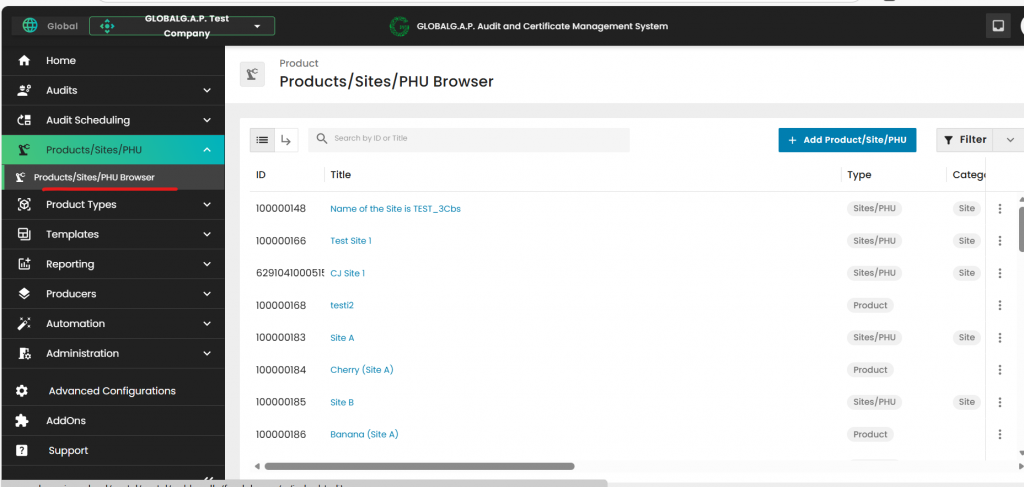
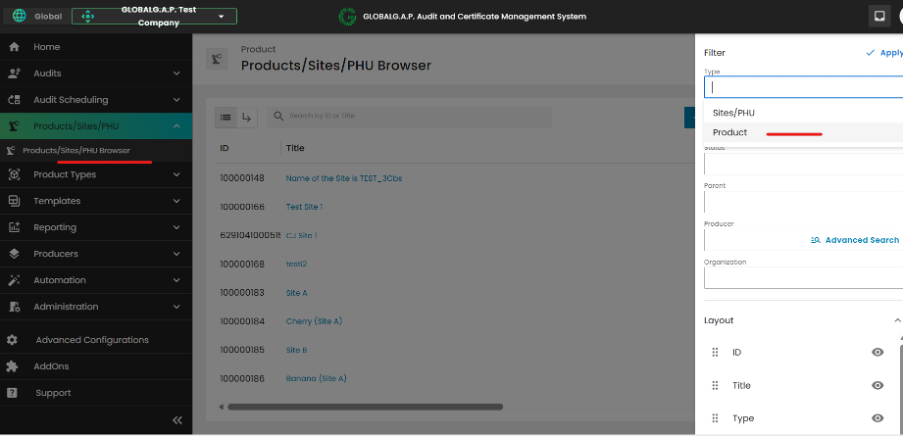
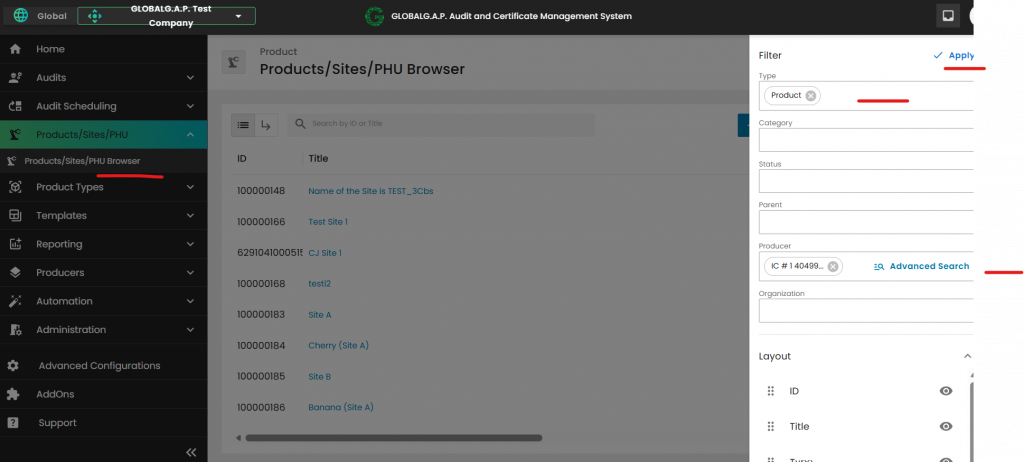
2. In the top right corner, filter the data by "Type" = "Product" and select the “Producer name” from the Producer list where the product is registered.
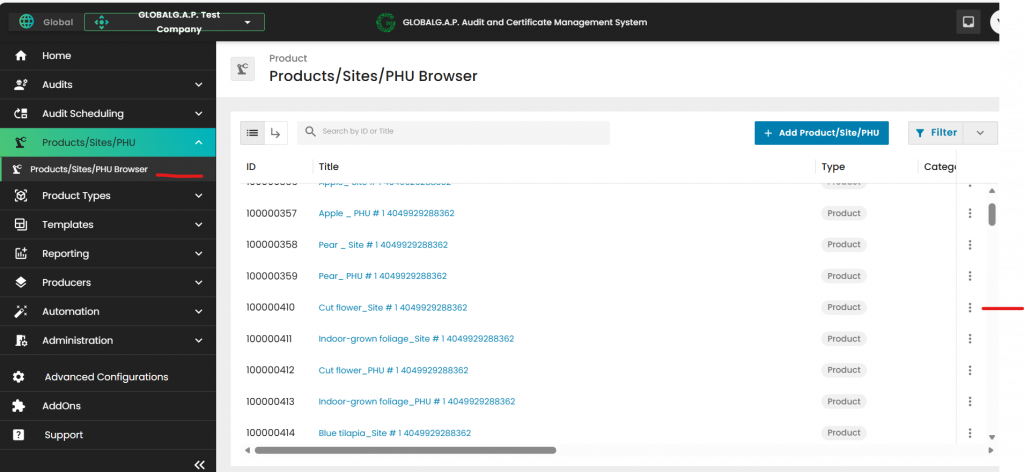
3. Select a recorded product for a Site/PHU by clicking on the three dots next to the product name to open the product’s information
4. Please navigate to the "Detail" section and check if the "Product Type" aligns with the product name. Only if the validation yields a negative result, click the pencil icon next to the section name to revise and confirm the "Product Type."
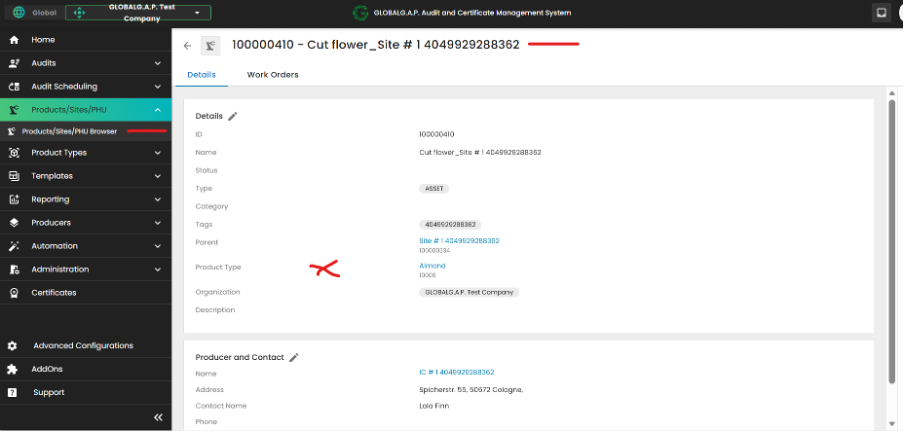
5. Remove the displayed product name under "Product type" by clicking on the "x”
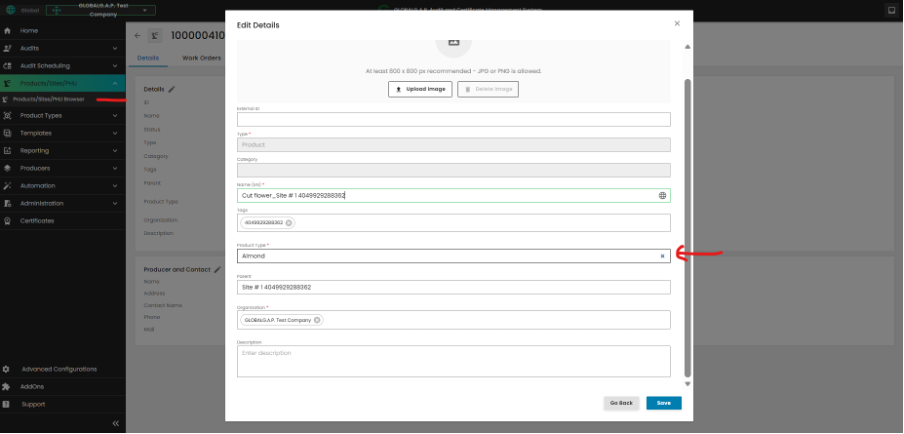
6. After the above steps have been concluded please: